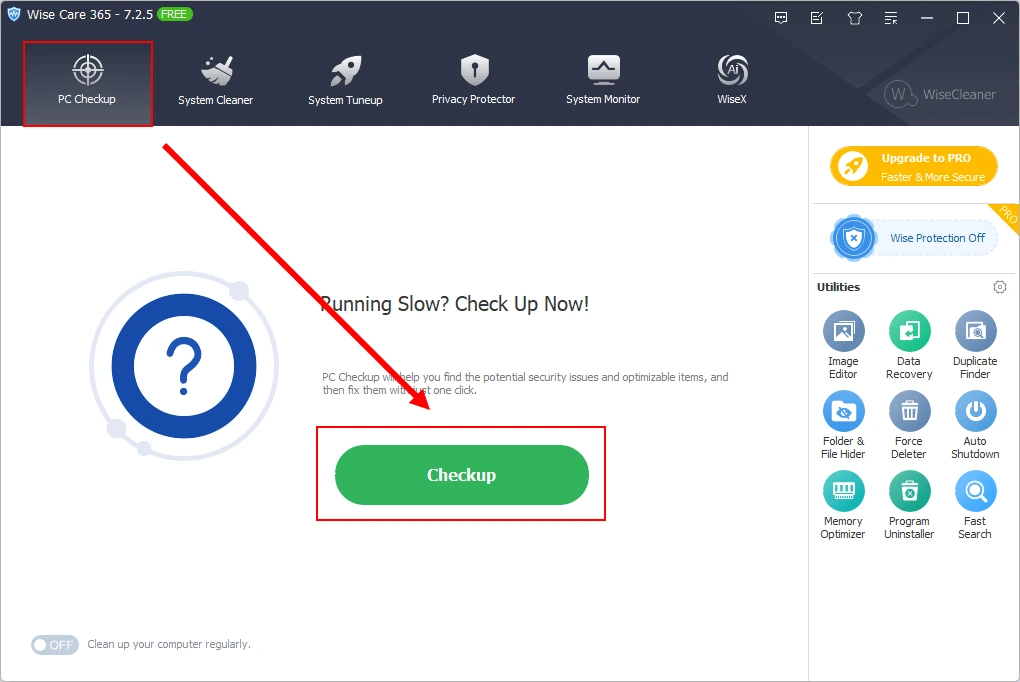
- Install and open the program; the first window is the one-click cleaner.
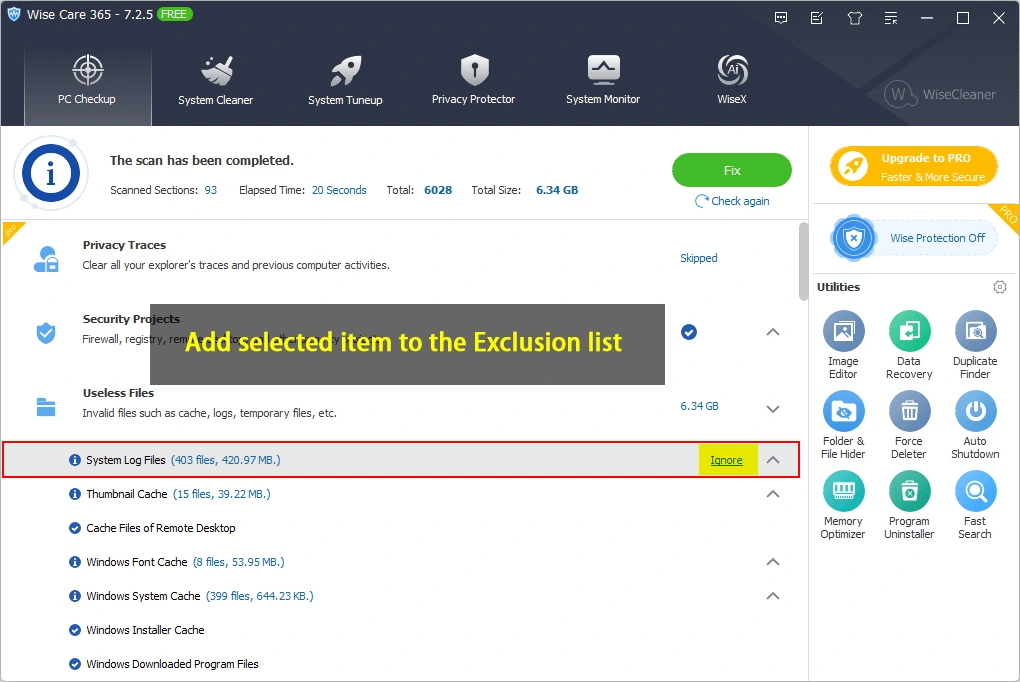
- Common Cleaner scans temp, logs and caches; review the tree before deleting anything you need.
- Run Registry Cleaner only after the first backup it offers — it writes a
.regrollback file. - Open Startup Manager and disable rather than delete entries you do not recognise.
- Leave the real-time monitor off on low-memory machines; it duplicates Defender's work.
PC maintenance
Wise Care 365 Free 8.0.7
Wise Care 365 Free 8.0.7 clears temp files, broken shortcuts and registry leftovers: 10.1 MB, hashed, free tier without an account.
What the free tier actually cleans
| Area | Effect | Risk |
|---|---|---|
| Temp and cache | reclaims gigabytes over time | low — open documents are skipped |
| Shortcuts | removes dead links | low |
| Registry leftovers | shrinks hive noise | low, keep the backup |
| Startup entries | disables autostarts | medium — review the list |
The free build covers all four. Paid adds scheduled runs, the boot optimiser and the driver updater.
Verify before you install
Expected hash for this build:
certutil -hashfile WiseCare365_8.0.7.exe SHA256
:: 1602e6254fb999305c5fa1c3dd1c837cb28a1e87f993d4c98bfbda39adef4656
Byte count matters too. The file is exactly 10,621,648 bytes. A truncated download still produces the wrong hash.
Install, step by step
Uninstall lives in Settings → Apps under the same name. Nothing is left behind in the registry beyond the usual uninstall key.
What it does not do: it is not an antivirus and does not patch anything. Registry cleaning gains are modest — the real wins are temp files and startup entries.
Silent install
/VERYSILENT /NORESTART installs with no window; the free tier has no licence field to fill.
Questions people actually ask
Will cleaning break my programs?
Temp and cache removal does not touch installed files. Registry cleaning can, which is why the rollback file exists.
Does the free version expire?
No, it stays free with fewer modules; no account is created.
Is a registry cleaner necessary?
Strictly no, but it removes dead entries from old uninstalls and is cheap to run monthly.